If you are a new user, simply head over to https://dripflow.io/pricing/ and select a plan to get started.
If you were an existing free user before the payment gateway update, see the below instructions.
1. Log in to your account
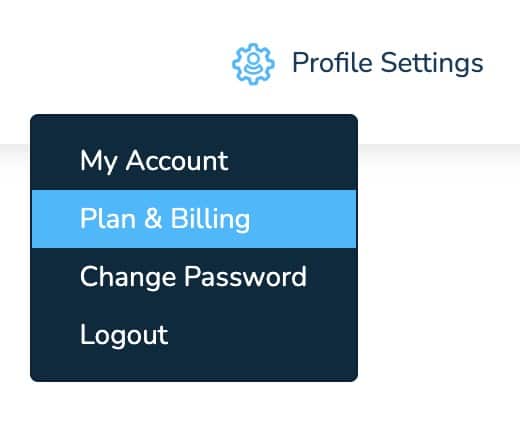
2. Click ‘Profile Settings’ (top right) and select ‘Plan & Billing’
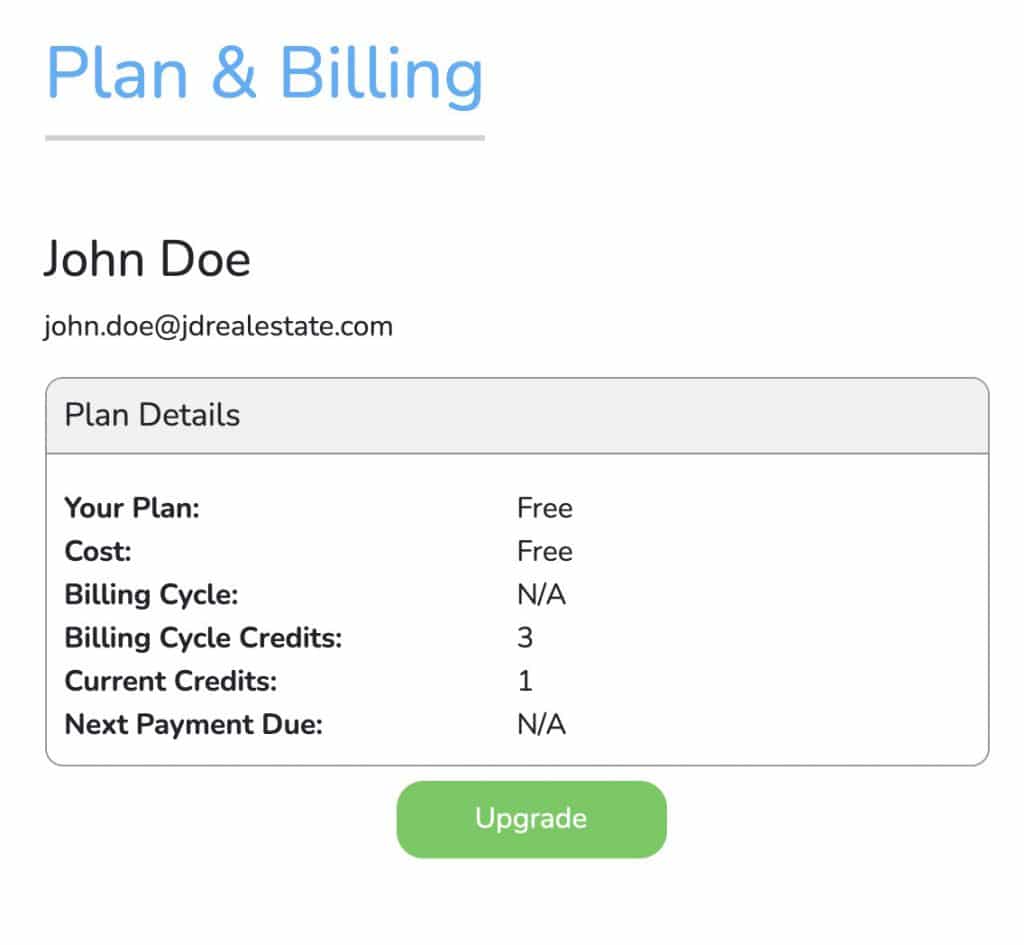
3. Click ‘Upgrade’
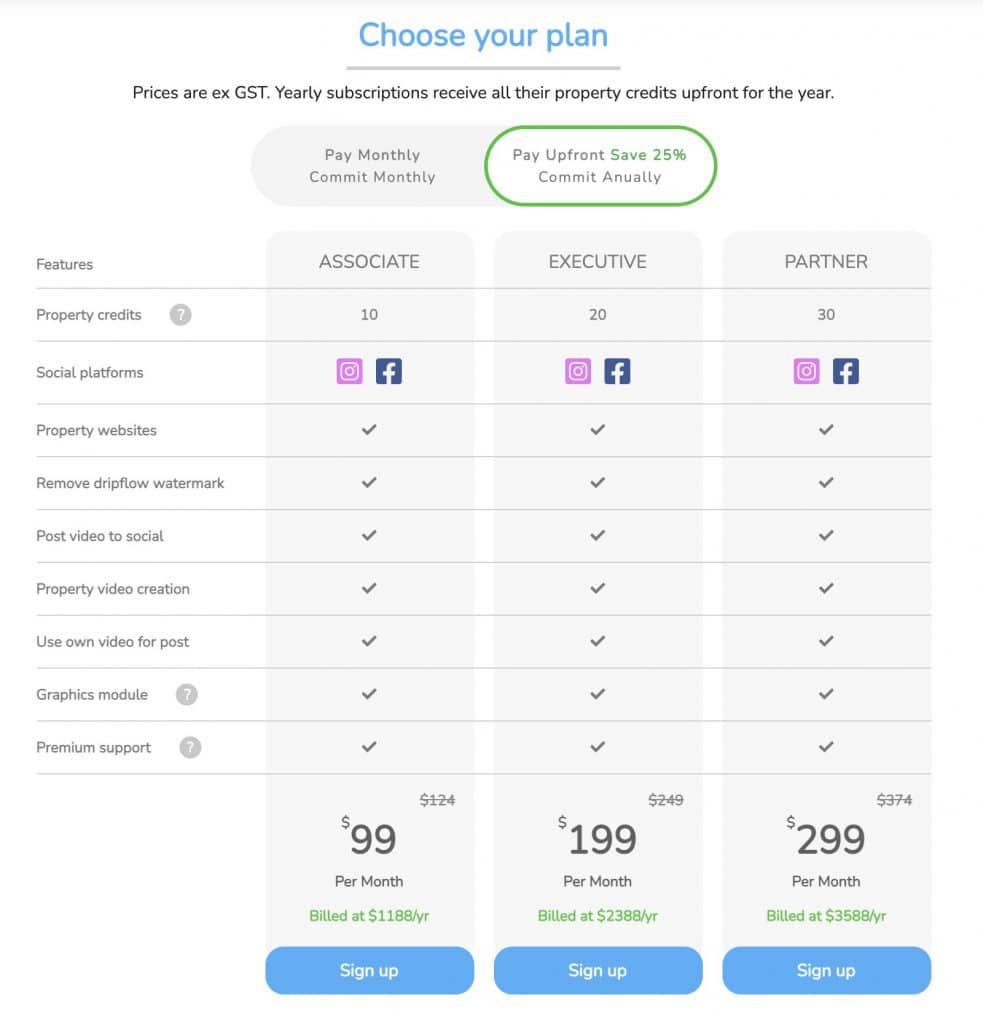
4. Select your preferred plan & press sign up
Note: You can use the toggle at the top to change between month to month / yearly plan prices. Yearly plans are paid upfront and currently have a discount, you will also get all your property credits upfront for the year.
5. Once you’re signed up your credits will update in the top bar.
If you don’t see the change straight away, just hit refresh. You’re ready to rock!