
Top social media marketing tips & activities for real estate agents
Social media can some times feel like a burden, mainly due to the fact that agents feel like they need to be doing it but don’t have the time to do it affectively. In this blog article we cover tools & processes which can help improve your result and save you over 90% of your time to do it.
Overview of topics

Using tools to improve your process & results
Using ads to improve your results
Content Planning & scheduling
Using tools to improve your process & results
Agents & agencies using automation tools save time, cost, resources which enables them to run more efficiently. Below are some examples of manual processes vs automation by dripflow.io

Automated
Creating listings graphics automatically using dripflow.io
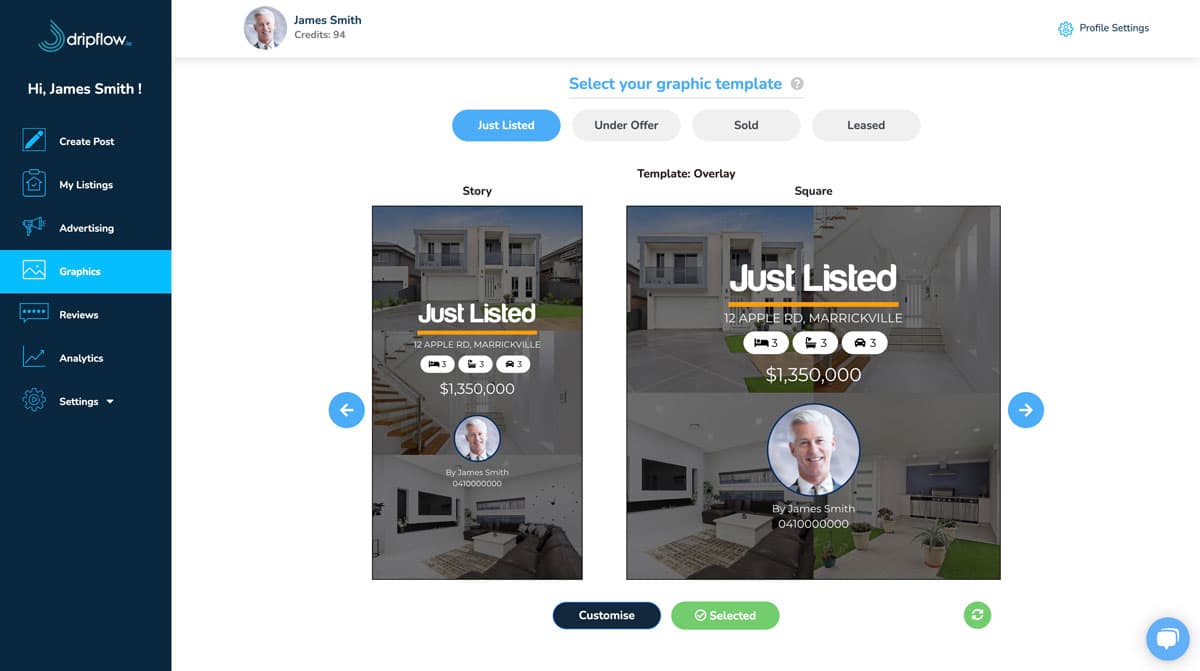
- Everything is automated
- Syncs with your CRM
- Pick or customise your design once
- Ability to customise designs for each status (e.g just listed, under offer, sold, leased)
- Creates story & feed graphics at once
- Adds property details & contact info to post automatically
- Automated posting to Facebook, Instagram (carousel), LinkedIn, Google My Business
- Automatic Boosting to a designated radius from property address, audience & budget

Manual
Creating listing graphics manually, using canvas style editors.
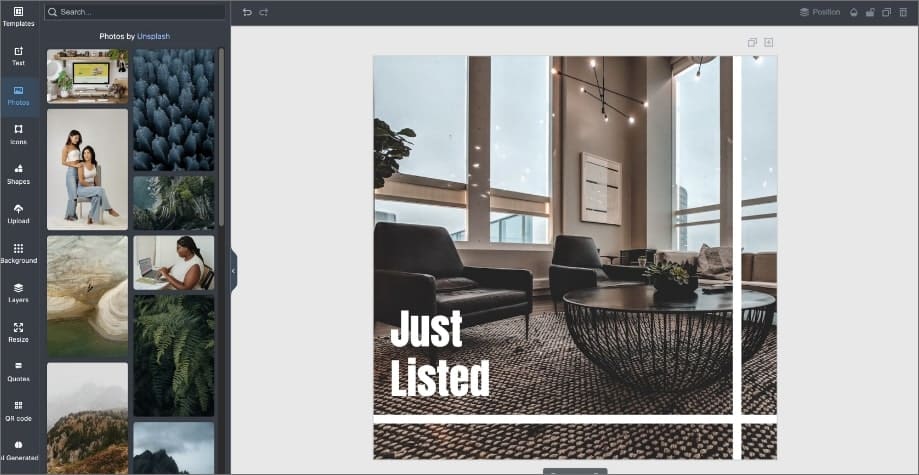
- Does NOT sync with your real estate CRM
- Manually needing to add property / images every time
- Manually need to save graphic or send to device
- Does NOT post automatically to your social media
- Does NOT create story version automatically
- Does NOT support automatic ads / boosting
Using ads to improve your results
Benefits to utilising ads include;
- Increasing reach beyond on your page’s followers
- Consistent exposure in your target area
- Lead Generation
Automated
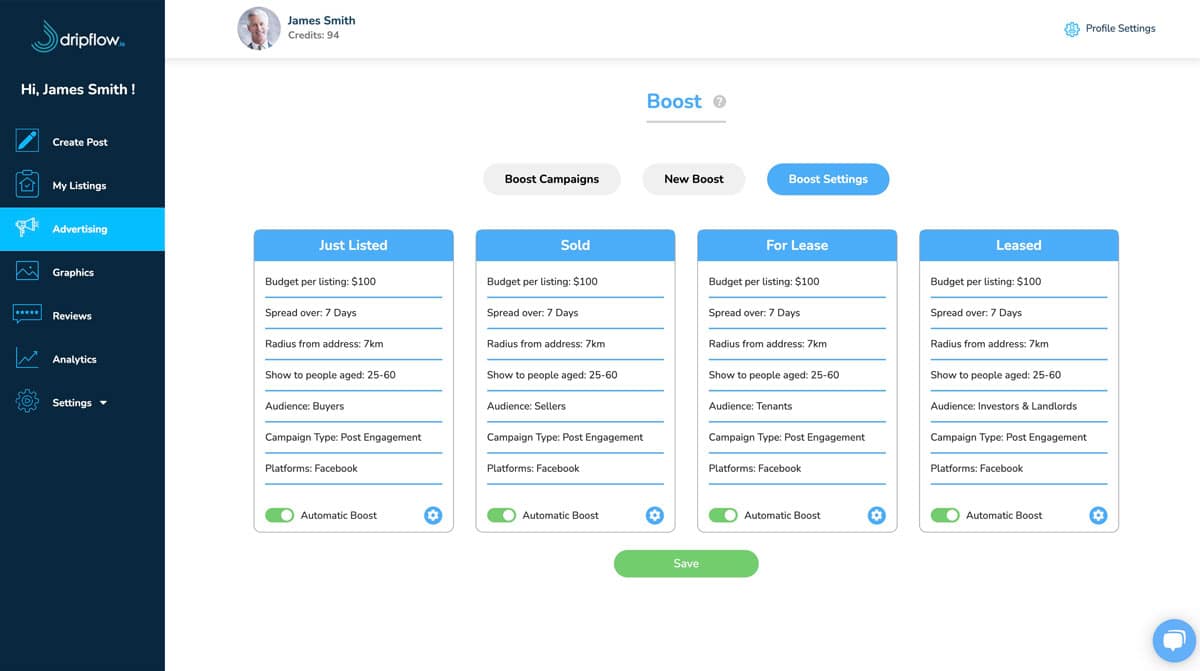
Automatic boosting using dripflow.io
- All automated & ability to boost specific properties manually with 2 clicks
- Uses property address for geographical targeting (longitude & latitude)
- Allows to preset geographic radius targeting from property address
- Ability to set VPA budget
- Pre-defined audience options (buyers, sellers, tenants, investors & landlords or broad)

Manual
Boosting using FB ‘Boost’ button
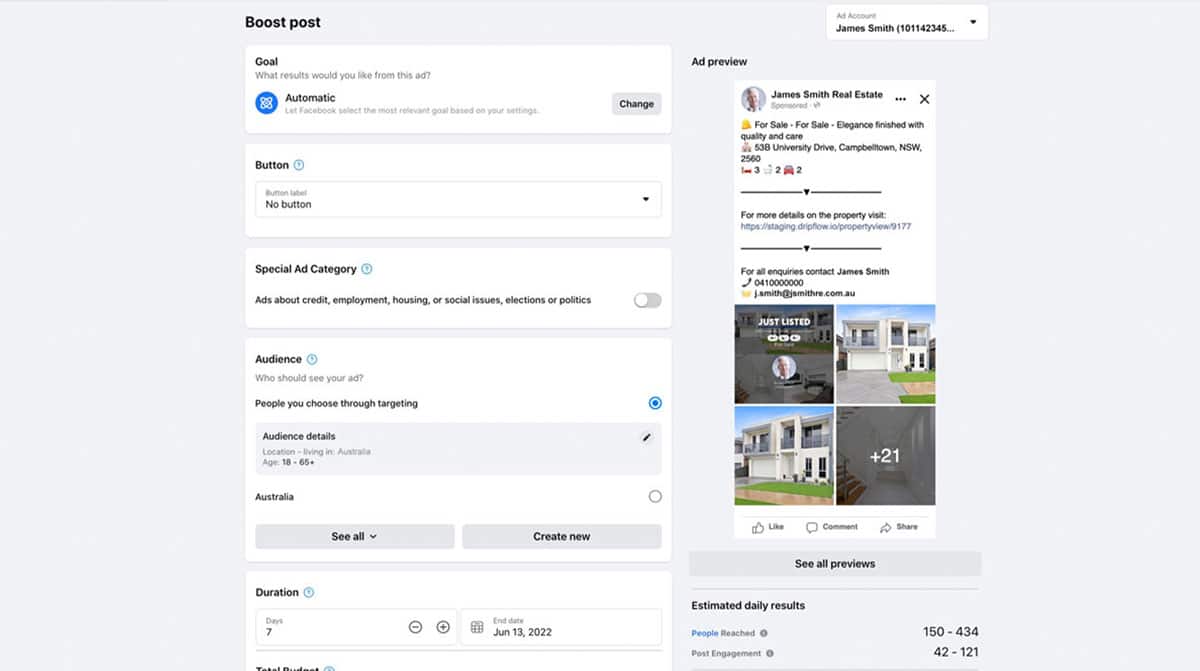
- Does NOT use property address
- No automatic setting to use radius from property address
- NOT automated
FAQ: Whats the difference between you just pressing ‘boost’ & dripflow’s method?
ANSWER: #1 Dripflow uses the longitude & latitude of the property address & radius. #2 Dripflow automates the whole process.
Content planning & scheduling
THE EASY STUFF
Public holidays
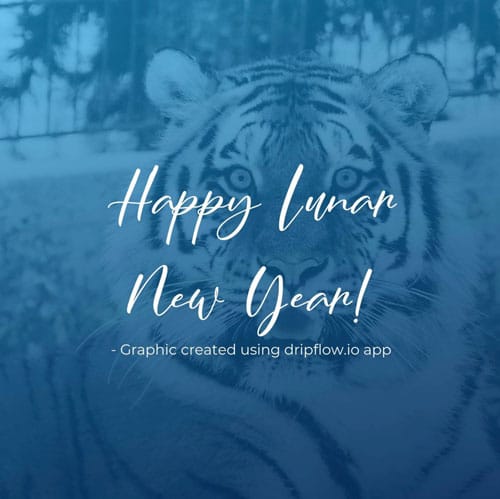
Schedule public holiday posts in advance.
Here are all the major holidays via state:
https://www.australia.gov.au/public-holidays
You can also get free images from:
https://unsplash.com/ & https://www.pexels.com/
TIP: Use dripflow’s unlimited custom posting & scheduling feature.
Call to action posts

Schedule call to action posts to post once every fortnight.
Use free images from:
https://unsplash.com/ & https://www.pexels.com/
TIP: Use dripflow’s unlimited custom posting & scheduling feature.
Team & Company Culture
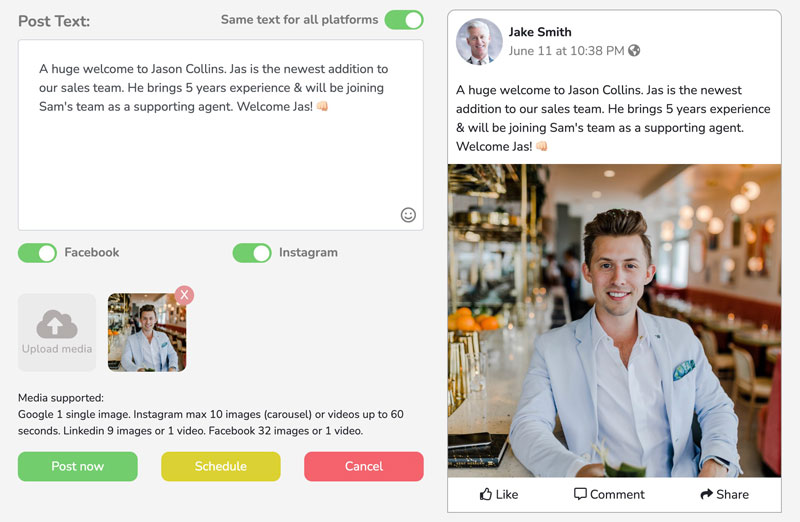
Something fresh happening within the business? Use dripflow’s custom posting & scheduling tool to let your followers know.
#1 Upload an image
#2 Write your text & add emojis.
#3 Post or schedule
Ideas for posts:
- Company updates
- Staff updates
- Market updates
- Competitions
- Factual posts
- Motivational posts
- Humour
How much does it cost?
We have plans starting from Free and they range up depending on the features and amount of listings you have on a monthly basis. Most popular plan is $99/month + GST, which we also offer on a 14 day free trial basis. To find out more about the plans, see our pricing page here: https://dripflow.io/pricing